After use
Fit the lens caps. Remove external moisture with a soft, dry cloth. Avoid sudden temperature changes and let the lens acclimatise before use.
CANON / FUJINON
Everyday care protects the optics. Periodic diagnostics assess what you cannot see from the outside.
These are inspection recommendations, not a requirement to dismantle every lens completely each year. Heavy use, dust, moisture and fault symptoms can justify earlier assessment.
| Models / manual | Inspection | Source |
|---|---|---|
| CJ14 / CJ15 / CJ18 / CJ20 / CJ24 / CJ25 / CJ27 · IASE T | About once a year | Canon · p. 4 · JP (opens in a new tab) |
| HJ40x10B / HJ40x14B | About once a year | Canon · E3 · EN (opens in a new tab) |
| UJ122 / UJ111 / UJ90 / UJ66 / UJ27 · covered versions | About once a year | Canon · p. 5 · EN (opens in a new tab) |
| UA13x4.5 / UA24x7.8 · RD-S10 | At least once a year | Fujifilm · PDF p. 57 (opens in a new tab) |
| UA14 / UA18 / UA23 · covered versions | At least once a year | Fujifilm · PDF p. 59 (opens in a new tab) |
| HA Premier · BERD / BERM | At least once a year | Fujifilm · PDF p. 53 (opens in a new tab) |
Fit the lens caps. Remove external moisture with a soft, dry cloth. Avoid sudden temperature changes and let the lens acclimatise before use.
First remove dust with a soft brush or an optical blower. Clean marks with suitable lens-cleaning materials, following the exact model manual. Do not rub dry, dusty glass.
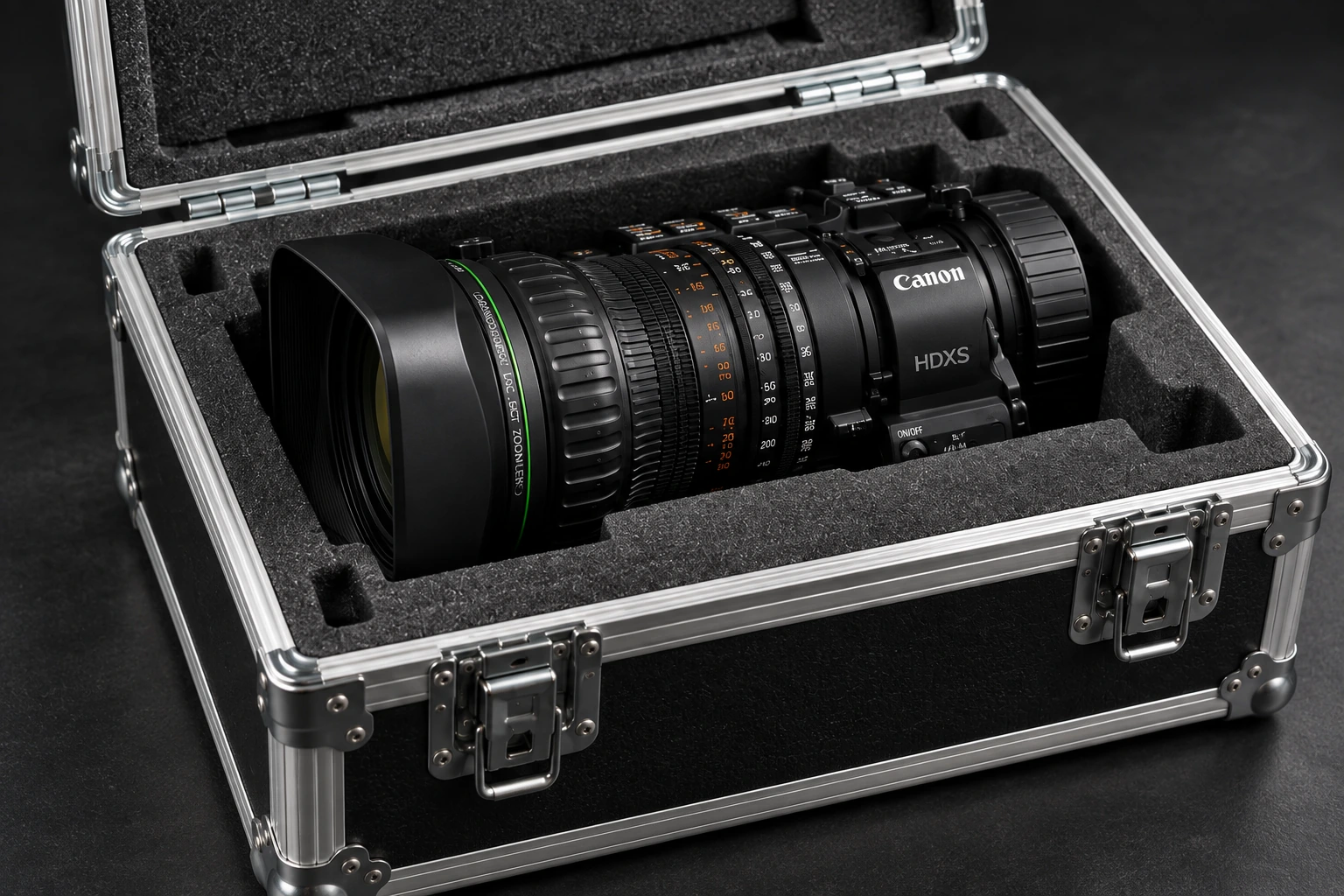
Store capped, away from moisture, heat and dust. Use a suitable protective case. For BOX lenses, check the manual’s transport orientation and mounting requirements.
After an impact, water ingress, unusual noise or control faults, stop using the lens and contact us. Do not dismantle optics or drives. Internal cleaning, lubrication and adjustment belong in service.
Match the exact model and drive version. A public operation manual is not a factory repair manual. The laboratory selects the service documentation and procedures for the work.